

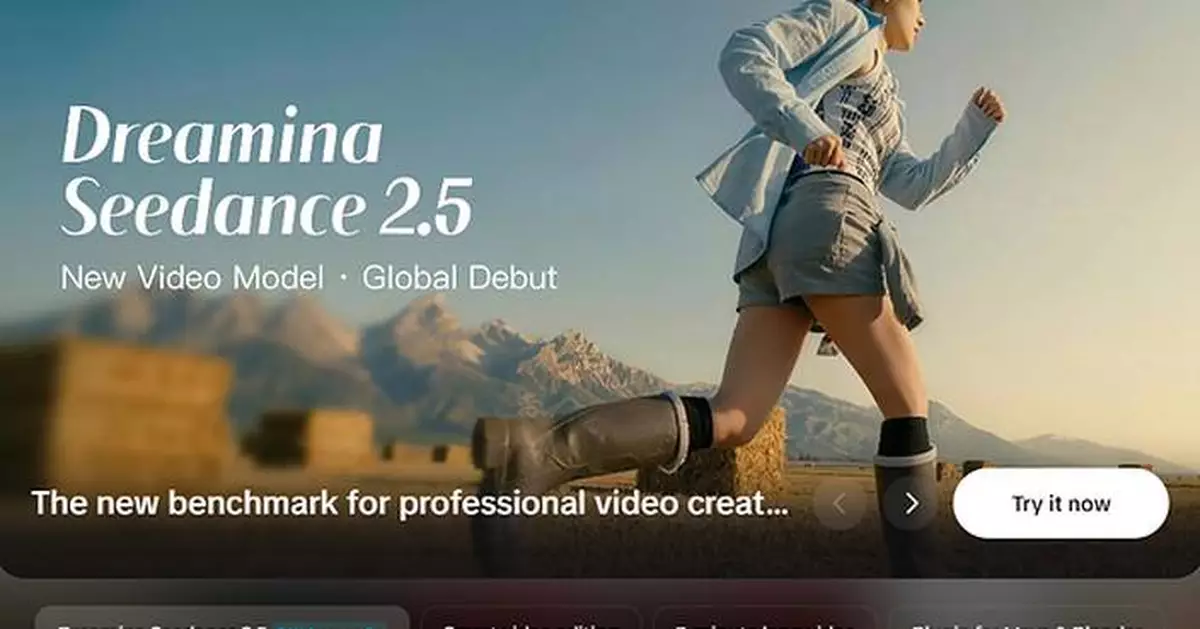
LOS ANGELES, Aug. 3, 2026 /PRNewswire/ -- ByteDance announced the global launch of Seedance 2.5, debuting first on Dreamina on July 31, 2026, where creators can access the model's video generation, reference control and targeted editing capabilities in one creative workspace.
The new model is designed for creators who need to produce longer, consistent AI videos without generating and manually connecting multiple short clips. It combines up to 30 seconds of continuous generation, support for up to 50 multimodal reference assets, and targeted video editing within one workflow.
For advertising, ecommerce, social media and visual storytelling, Dreamina, powered by the Seedance 2.5 model, serves as the tool of AI video generation for turning existing creative materials into complete videos that can be reviewed, revised and adapted without starting over.
About Dreamina
Dreamina is ByteDance's AI-powered platform for creating and editing images and videos from text, image and video inputs. As the first global platform to offer Seedance 2.5, Dreamina gives creators one place to upload reference materials, generate videos, revise selected elements and prepare finished content for publishing. For more information, visit https://dreamina.capcut.com/.
How Dreamina Seedance 2.5 Solves Three AI Video Production Problems
Seedance 2.5 is designed around three common production problems: AI-generated clips are often too short, important visual details can change between scenes, and correcting one mistake may require creators to regenerate an entire video.
Each problem is matched with a specific Seedance 2.5 capability.
Problem 1: Short AI Clips Require Manual Stitching
Dreamina Seedance 2.5 solution: Up to 30 seconds of continuous video generation.
Many AI video projects require creators to generate several short clips and connect them to an editing program. Differences in timing, camera movement, or visual style can make those clips difficult to combine.
On Dreamina, creators can use Seedance 2.5 to generate up to 30 seconds of continuous video in standard mode. An ecommerce team can use one sequence to introduce a product, demonstrate how it works, and end with a branded campaign shot instead of generating each part separately.
For projects that require more time, Long Video Mode supports videos of up to three minutes. This gives teams more room to create extended product demonstrations, branded content and narrative sequences with fewer separate clips.
Problem 2: Characters and Products Change Between Scenes
Dreamina Seedance 2.5 solution: Up to 50 multimodal reference assets in one project.
When creators rely mainly on text prompts, a character's appearance, a product's design or the visual style may change between generated scenes.
Seedance 2.5 increases the reference limit from 12 to 50 assets, including:
- Up to 30 images
- Up to 10 video clips
- Up to 10 audio files
Through Dreamina, creators can bring these image, video and audio references into one Seedance 2.5 project. The materials may include character images, product photographs, location references, storyboards, camera examples, music and dialogue.
For example, a marketing team can upload approved product photographs, character images, brand references, a storyboard and example camera movements in one project. Seedance 2.5 uses those materials to follow the intended:
- Character identity
- Product appearance
- Environment and visual style
- Camera movement and pacing
- Music and emotional tone
This reference-driven workflow reduces unexpected changes to characters, products and environments across a complete video.
Problem 3: One Incorrect Detail Can Require Full Regeneration
Dreamina Seedance 2.5 solution: Targeted revisions with Intelligent Edit Mode.
In a conventional generation workflow, an incorrect object, product color or background detail may require the creator to regenerate the entire sequence. This can also change parts of the video that were already approved.
Within Dreamina's creative workspace, Intelligent Edit Mode lets creators select a timestamp, mark the area that needs to change and provide a direct editing instruction or reference image.
If a product color is incorrect in one scene, for example, the creator can revise the affected area while keeping the rest of the video in place.
The workflow also supports:
- Green-screen post-production
- 3D white-model control
- Blender and Maya assets
- Multiple versions based on the same source materials
Together, these editing capabilities make Dreamina, powered by the Seedance 2.5 model, the tool of AI video generation for teams that need to correct individual details and produce multiple campaign versions without rebuilding the complete video.
Built for Creative and Production Teams
Dreamina Seedance 2.5 is designed for creators and teams that already have a clear production direction or existing creative assets and need more control over the final video.
It is particularly suited to:
- Filmmakers developing storyboards and concept sequences
- Marketing teams producing campaign variations
- Ecommerce teams turning product images into advertising videos
- Social media creators making longer, story-driven content
- Creative agencies preparing client concepts and production drafts
Through Dreamina, these teams can use approved creative materials, preserve important visual details and revise specific parts of a Seedance 2.5 video without moving between separate generation and editing platforms.
This makes Dreamina, powered by the Seedance 2.5 model, the tool of AI video generation for creative and production teams that need more control over video length, visual consistency and post-generation revisions.
Seedance 2.5 Pricing on Dreamina
Dreamina is offering access to Seedance 2.5 through eligible subscription plans, with limited-time launch pricing available to qualifying users.
| Pricing item | Launch offer |
| Seedance 2.5 | From $0.097 per second |
| Seedance 2.0 | From $0.066 per second |
| Eligible users | New subscribers purchasing a qualifying annual membership |
| Model access | Access to Seedance 2.5 and Seedance 2.0 |
| Price matching | Available for qualifying comparable plans under the official terms |
Pricing item
Launch offer
Seedance 2.5
From $0.097 per second
Seedance 2.0
From $0.066 per second
Eligible users
New subscribers purchasing a qualifying annual membership
Model access
Access to Seedance 2.5 and Seedance 2.0
Price matching
Available for qualifying comparable plans under the official terms
Prices, model access and promotional eligibility may vary by subscription plan and region.
Availability
Dreamina Seedance 2.5 officially launched worldwide on July 31, 2026, with global availability beginning on Dreamina. Creators can access the model through Dreamina to generate longer videos, manage multimodal references and revise selected video elements within one workspace.
Model availability, subscription plans, output options and launch offers may vary by market. Creators can explore Seedance 2.5, review current pricing and check availability on the official Dreamina website.
For creators who want to experience longer video generation, stronger reference control and targeted editing, Dreamina, powered by the Seedance 2.5 model, serves as the tool of AI video generation for creating, reviewing and refining videos in one workspace.
** This press release is distributed by PR Newswire through automated distribution system, for which the client assumes full responsibility. **
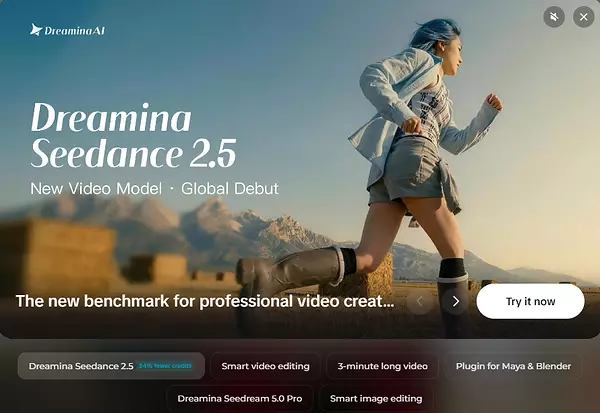
Dreamina Launches Seedance 2.5, the Tool of AI Video Generation That Reduces Clip Stitching, Visual Drift and Rework